
Steps to Set Up a User
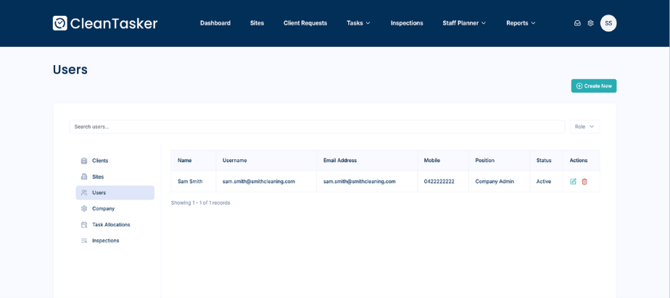
Step 1: Navigate to Users
-
Log in to the CleanTasker Portal.
-
From the main navigation menu, click Users.
-
Click Create New to add a new user.
Step 2: Enter User Details
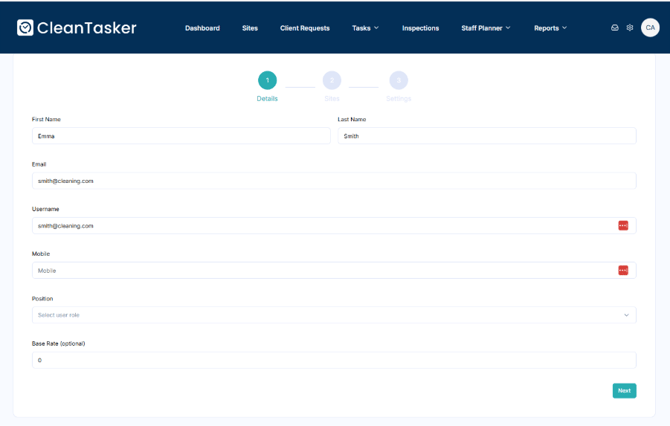
- Enter the required user information, including:
- Name
- Email address
- Username
- Mobile number
- Position
- Base Rate (optional)
Role-Based Setup Flow
Cleaner Role
If the selected position is Cleaner, the setup process includes four steps, with an additional Verification step.
Step 3: Verification (Cleaner Only)
-
Select the verification documents that cleaner users must upload.
-
These documents are required for the cleaner to verify their profile.
-