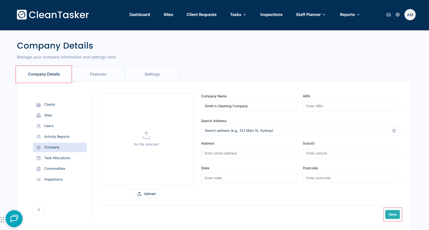
Manage your company information and settings.
-
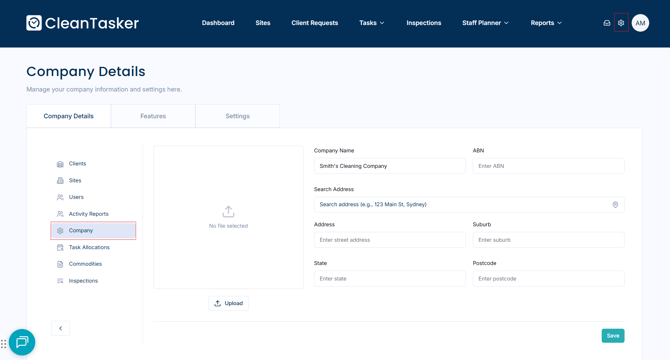
From the homepage, click the gear-shaped icon in the top-right corner of the page to open Management.
-
On the Management page, click Company in the left-hand menu.
Update Company Details
-
Under the Company Details tab, you can edit the following information:
-
Company name
-
ABN
-
Address
-
Company icon
-
-
Once you’ve made your changes, click Save to submit and apply them.